In a nutshell
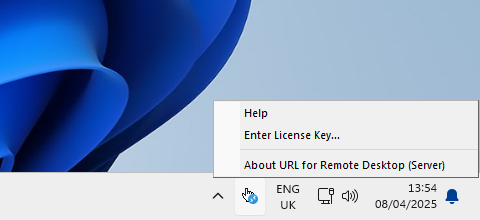
URL for Remote Desktop is a practical tool that allows hyperlinks clicked within applications running in a remote desktop session to open on the local computer or thin client. With a simple click, the link is redirected and launched in your local browser.
This solution is valuable in remote work environments where network limitations, security policies, or architectural needs require external content to open locally.
FabulaTech solution
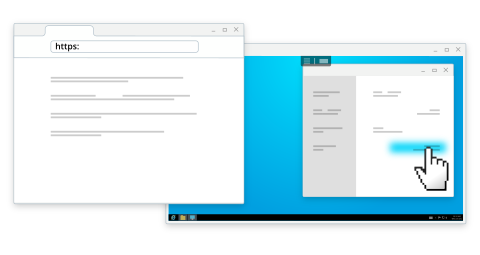
URL for Remote Desktop includes two components: the Workstation part, which runs on the local computer, and the Server part, which is installed on the remote environment to capture and forward link clicks.
Once set up, any hyperlink you click within the remote session is instantly opened in your default local browser.
Link redirection
Redirects websites when the remote server lacks Internet or network access to the source.
Custom URI scheme redirection
Redirects specific URL types if required applications are not installed on the remote server for security, compatibility, performance or scalability reasons.
Local document opening
Redirects files of the types specified by the GPO, allowing remote files to be opened in locally installed applications.
More features
- Secure operation with no third-party servers—URLs are routed directly from the remote session to your local machine.
- Works in restricted environments where the remote server lacks Internet access or cannot run certain applications.
- Seamless experience—only links from remote apps are redirected; links clicked within a browser running remotely stay within that session.
- Available for Windows and macOS (Workstation side).
Additional information
More details at FabulaTech websiteOS: Windows, Linux and macOS
Latest version: 1.8.5 for Windows released on 6/08/2026